
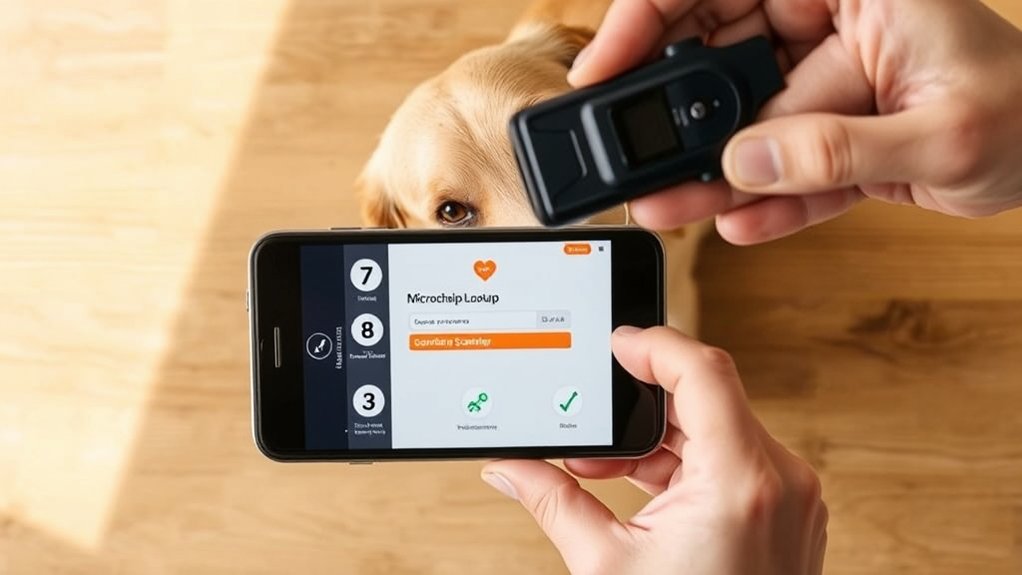
7 Steps for 24 Hour Pet Watch Microchip Lookup
Losing track of your pet’s microchip details can be frustrating, especially when time is of the essence. You’re not alone—many pet owners struggle to keep their contact information up to date or even find the chip number when needed. That’s why knowing how to perform a 24 Hour Pet Watch microchip lookup quickly and accurately is so important for a smooth reunion with your furry friend.
To look up your pet’s microchip with 24 Hour Pet Watch, start by finding the chip number using a scanner or paperwork. Then, visit their website to access the lookup tool and enter the number carefully. Review the results for owner and medical info, and update contact details if needed.
If the chip isn’t registered, complete registration promptly. Regularly maintain your pet’s info for smooth identification. Keep going to catch all the important steps for a quick reunion.
Key Takeaways
- Use a handheld scanner or pet paperwork to find the unique microchip number implanted under the pet’s skin.
- Visit the 24 Hour Pet Watch website to access the secure microchip lookup tool and enter the microchip number accurately.
- Verify the retrieved pet ID, owner contact, and medical notes to ensure all information is current and correct.
- Log into the microchip registration account regularly to update contact details, including emergency numbers and address changes.
- Confirm that the registered email is verified and active to receive timely alerts and important pet recovery notifications.
Find Your Pet’s Microchip Number Quickly
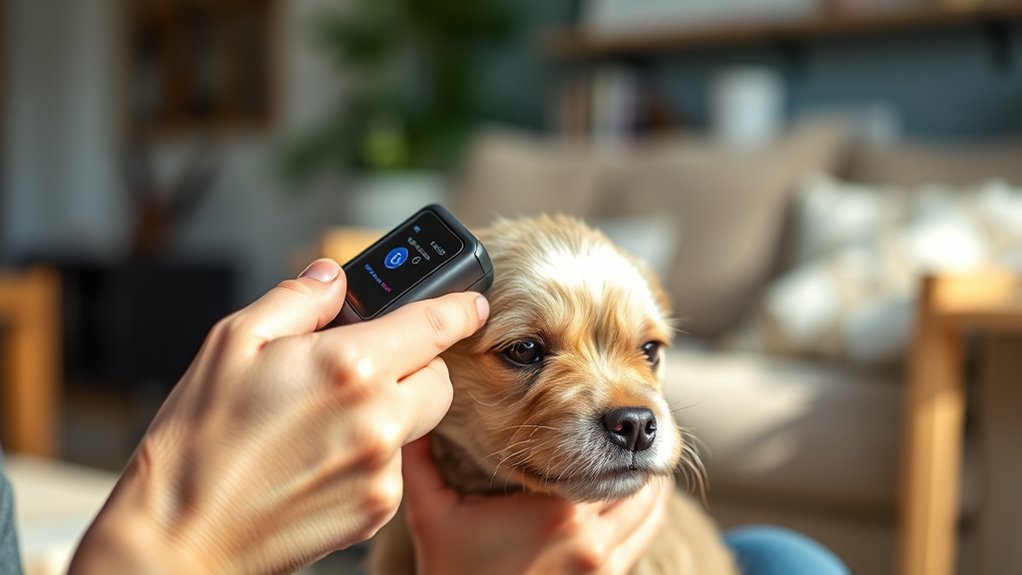
Before you can access any information, you need to find your pet’s microchip number quickly. This number is essential for pet identification and reunification if your furry friend ever gets lost. To locate it, start with microchip scanning, which is typically done by a vet, shelter, or animal control officer using a handheld scanner.
The scanner reads the microchip embedded under your pet’s skin and displays the unique ID number. If you have your pet’s paperwork from when the microchip was implanted, check it for the microchip number. This saves time.
Without the paperwork, a quick visit to a nearby vet or shelter can help with microchip scanning. Once you have the microchip number, you can confidently proceed to look up your pet’s information in a national database. Remember, having this number handy ensures faster pet identification and increases the chances of a safe return if your pet goes missing.
Access the 24 Hour Pet Watch Microchip Lookup Tool

Once you have your pet’s microchip number, you can access the 24 Hour Pet Watch microchip lookup tool to retrieve important identification details. Head to their official website where the tool is conveniently available 24/7, making sure you can check your pet’s information anytime. This accessibility supports pet health by quickly reconnecting lost pets with their owners and verifying essential data.
Using this tool highlights microchip benefits, like peace of mind knowing your pet’s identity is securely registered. It lets you confirm your contact info is up to date, which is indispensable if your pet ever goes missing. The lookup tool is user-friendly and designed to provide accurate, immediate results, helping you take swift action to protect your pet’s well-being. Accessing it regularly ensures your pet’s profile stays current, reinforcing the safety net that microchips offer in emergencies.
Enter Your Pet’s Microchip Details Correctly

Be sure to enter your pet’s microchip number accurately to avoid any errors during the lookup. It’s a good idea to use official platforms so you can trust the information you receive. Also, don’t forget to double-check the owner details before you hit submit.
Verify Microchip Number Accuracy
Although entering your pet’s microchip number may seem straightforward, verifying every digit is crucial for a successful lookup. Mistakes during microchip scanning can lead to failed ownership verification, causing delays or incorrect results.
Double-check the number by comparing it to your pet’s microchip registration paperwork or scanning the chip with a reliable scanner.
Here’s a quick checklist to verify your microchip number:
| Step | Action | Tip |
|---|---|---|
| 1 | Locate microchip paperwork | Keep it handy |
| 2 | Use a microchip scanner | Confirm chip presence |
| 3 | Compare scanned number | Match digits exactly |
| 4 | Check for transposed digits | Double-check number sequence |
| 5 | Re-enter number if unsure | Avoid manual typing errors |
Accurate entry ensures smooth ownership verification and quicker pet recovery.
Use Official Lookup Platforms
After confirming your pet’s microchip number is accurate, the next step is to enter those details into an official lookup platform. These platforms are designed to connect you with databases maintained by microchip manufacturers, ensuring you access reliable pet identification information.
When entering your pet’s microchip details, double-check each digit to avoid errors that could lead to incorrect or missing data. Using official lookup sites helps you bypass third-party searches that might not have up-to-date records.
Moreover, these platforms often consolidate information from multiple microchip manufacturers, increasing the chances of a successful match. By using trusted sources, you protect your pet’s safety and speed up the process of verifying ownership or locating your furry companion.
Double-Check Owner Information
When you enter your pet’s microchip details, double-check the owner information carefully to make sure it’s accurate and up to date. This step is vital for owner verification and helps maintain microchip security.
Incorrect or outdated details can delay reuniting you with your pet or cause confusion during emergencies. Always review the name, phone number, and address linked to the microchip before submitting the lookup.
| Verification Step | Why It Matters |
|---|---|
| Confirm Owner Name | Ensures correct pet-owner match |
| Verify Contact Number | Facilitates quick communication |
| Check Address Details | Helps locate owner efficiently |
Taking these precautions guarantees your pet’s microchip record is reliable and secure, improving the chances of a swift reunion.
Understand Your Lookup Results Fast
Because every microchip database formats information differently, you’ll want to focus on key details like the pet’s ID number, registered owner’s contact, and any medical notes to quickly understand your lookup results. Once you complete the microchip scanning, these details help you confirm the pet’s identity and verify owner accuracy.
Pay attention to the contact information listed, as it’s vital for reuniting the pet with its family. If medical notes appear, review them carefully. They may contain important health alerts or special care instructions.
Remember, a quick and thorough review of these core details saves time and prevents confusion. If anything seems unclear, don’t hesitate to reach out to 24 Hour Pet Watch’s support for clarification.
Update Your Pet’s 24 Hour Pet Watch Contact Info
Make sure you double-check your current contact details in the 24 Hour Pet Watch system. This helps avoid any delays if your pet ever goes missing. It’s also a good idea to update your emergency phone numbers so someone can be reached quickly when needed. And don’t forget to confirm that your email address is accurate—this way, you won’t miss any important notifications.
Verify Current Contact Details
To guarantee your pet can be quickly reunited with you, verify that your contact details on the 24 Hour Pet Watch microchip database are current and accurate. Start by logging into your microchip registration account and reviewing all listed information.
During contact verification, ensure your address, email, and phone number are up to date, so rescue teams or shelters can reach you without delay. If you’ve moved, changed your phone, or updated your email, promptly edit these details in the system.
Keeping your contact information accurate is vital for a fast reunion if your pet goes missing. Regularly checking the 24 Hour Pet Watch database helps prevent any communication gaps, making sure your pet’s microchip registration always reflects your latest contact info.
Update Emergency Phone Numbers
Updating your pet’s emergency phone numbers in the 24 Hour Pet Watch database guarantees help can reach you quickly if your pet is found. Keeping these numbers current is an essential part of emergency preparedness. It ensures that rescuers or veterinarians can access your veterinary records promptly and contact you without delay.
Make it a habit to review and update your contact info regularly, especially after moving or changing phone numbers.
Here’s a quick way to organize your contacts:
| Contact Type | Name/Organization | Phone Number |
|---|---|---|
| Primary Contact | You | (123) 456-7890 |
| Secondary Contact | Trusted Friend/Family | (234) 567-8901 |
| Veterinarian | Dr. Smith Animal Clinic | (345) 678-9012 |
| Emergency Service | 24 Hour Pet Watch | (800) 365-7387 |
Confirm Email Address Accuracy
Since your email often serves as a primary means of communication for pet recovery, you’ll want to double-check that the address linked to your 24 Hour Pet Watch account is current and accurate. Start by logging into your account and reviewing your contact information.
Make sure the email listed is one you actively use and can access easily. Completing the email verification process is crucial to confirm you receive any critical updates or alerts about your pet. If you haven’t verified your email yet, follow the prompts to confirm it immediately.
Accurate contact confirmation helps prevent delays in reaching you if your pet goes missing. Keeping your email up-to-date guarantees you won’t miss essential notifications from 24 Hour Pet Watch, improving the chances of a quick reunion.
What to Do If Your Pet’s Microchip Isn’t Registered
If your pet’s microchip isn’t registered, don’t worry. You can still take action to protect your furry companion. Start by completing the microchip registration as soon as possible. This step is essential because unregistered microchips won’t link your pet to your contact information, making lost pet recovery difficult.
Visit the microchip company’s website or the 24 Hour Pet Watch portal to enter your pet’s details accurately. Once registered, your pet’s microchip acts as a reliable ID that shelters and veterinary clinics can scan to contact you quickly.
If you find your pet’s microchip isn’t in any database, don’t hesitate to reach out to the microchip manufacturer for guidance on registration. Taking these steps promptly improves your chances of a swift reunion should your pet go missing. It ensures you’re prepared for any unexpected situation.
Keep Your Pet’s Microchip Information Up to Date
While registering your pet’s microchip is essential, keeping your contact information current is just as important to guarantee a quick reunion if your pet goes missing. Microchip maintenance isn’t a one-time task; it requires regular updates whenever you change your phone number, address, or email.
Registering your pet’s microchip is vital, but regularly updating your contact information is key for a swift reunion.
If your details are outdated, shelters and vets may struggle to reach you, delaying your pet’s safe return.
To stay on top of pet identification, check your microchip registry account at least once a year. Many databases offer online portals or customer service to help you update your info quickly.
Also, notify the microchip company if you move or switch phone carriers. This proactive approach assures accurate records and improves your pet’s chances of being identified promptly.
Frequently Asked Questions
How Long Does It Take to Register a New Microchip?
Registering a new microchip usually takes just a few minutes once you have all the necessary information. You’ll want to guarantee microchip compatibility with the registry system you’re using, which makes the registration process smoother.
During this process, you’ll provide details about your pet and your contact info. If everything’s in order, your pet’s microchip will be registered quickly, giving you peace of mind that your pet can be identified anytime.
Can Multiple Pets Share the Same Microchip Number?
You can’t put all your eggs in one basket, and the same goes for microchips. Each pet needs a unique microchip number. Sharing a chip would jumble pet identification and risk your pet’s safety.
Microchip privacy ensures that each chip links to one pet’s info only, keeping everything clear and secure. So, make certain every companion animal has their own personal digital ID for quick, accurate identification.
Is There a Fee for Using the 24 Hour Pet Watch Service?
You don’t have to worry about a microchip cost when using the 24 Hour Pet Watch service because the lookup itself is typically free. However, if you want ongoing benefits like service subscription plans, those may involve fees.
These subscriptions offer added security and updates for your pet’s microchip information. So, while the initial microchip cost might be separate, using the 24 Hour Pet Watch service for lookups usually won’t charge you directly.
What Types of Pets Can Be Registered With 24 Hour Pet Watch?
Wondering what types of pets you can register with 24 Hour Pet Watch? You can register a variety of pets, including dogs, cats, birds, rabbits, and even exotic animals.
The service supports multiple microchip types, so you don’t have to worry about compatibility. When you complete your pet registration, you guarantee your furry or feathered friend has a secure ID that helps reunite you quickly if they ever get lost.
How Do I Transfer Microchip Ownership if I Adopt a Pet?
To transfer microchip ownership after adopting a pet, you’ll need to complete a microchip transfer form with 24 Hour Pet Watch. This ownership update guarantees all your contact info is current and linked to your pet’s microchip number.
You can usually do this online or by calling their customer service. Don’t forget to provide proof of adoption and your new contact details to keep your pet safe and easily identifiable.
Conclusion
By following these 7 easy steps, you can quickly access and update your pet’s microchip info anytime. Did you know nearly 30% of lost pets never get reunited because their microchip details are outdated?
Keeping your contact info current with 24 Hour Pet Watch makes all the difference. So, don’t wait. Check your pet’s microchip status today to guarantee a faster, safer return if they ever go missing with 24 Hour Pet Watch.